How to export from LinkedIn? (Free)
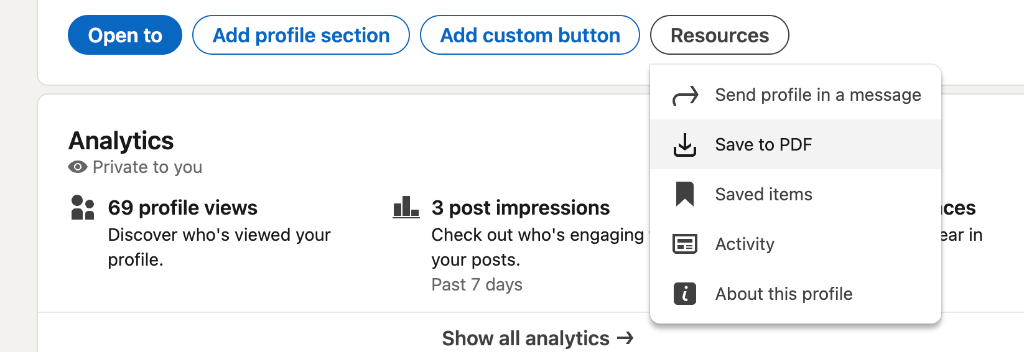
- 1Go to your LinkedIn Profile
- 2Click Resources or More (...) button
- 3Select Save to PDF
How It Works
Export your LinkedIn profile as a PDF
Go to your LinkedIn profile, click Resources, and select Save to PDF. It takes 30 seconds and you only do it once.
Upload and let us read it
Drop the PDF here. We extract your full work history, education, skills, and achievements automatically. You don't retype anything.
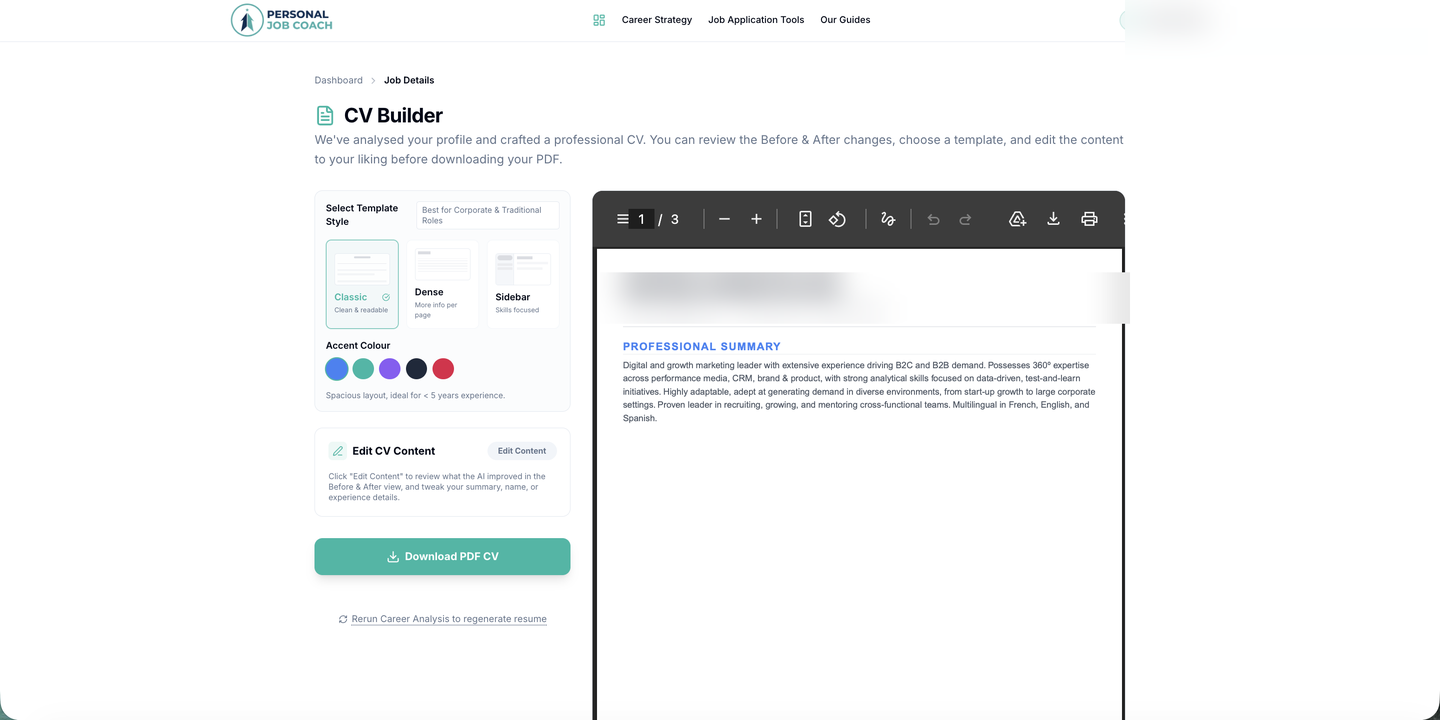
Get your Career Strategy and base CV
A short coaching chat fills in what a CV can't capture: your goals, the roles you're targeting, anything worth highlighting. Your career profile and ATS-ready CV are ready immediately after.
What Comes Out of It
Your Career Strategy
A breakdown of your strengths, the roles you're best positioned for right now, and a professional summary ready to use in applications.
A Clean ATS-Ready CV
Your LinkedIn experience restructured into a properly formatted CV that passes applicant tracking systems and reads well to a human recruiter.
Your Full Application Toolkit
Every job you add to your tracker unlocks gap analysis, a tailored CV, cover letter, company briefing, and interview prep built around that specific role.
Common Questions
How do I export my LinkedIn profile as a PDF?
What if my LinkedIn profile is not complete?
Is my LinkedIn data stored or shared?
Can I update my profile after importing from LinkedIn?
Does this work better than uploading a Word or PDF CV?
Your LinkedIn Profile Is Already a Winning CV
The export takes 30 seconds. Everything after that is automatic: career profile, ATS-ready CV, and a full application toolkit for every job ad you target.
Free during beta. No commitment.
More From Your Toolkit
Tailored CV
Your base CV rewritten to match every job description. Keywords, structure, and emphasis adjusted for each specific role.
Company Briefing
Company background, recent news, culture signals, and likely interview topics. Automatically prepared when you add a job or target a company directly. No research needed.
Mock Interview
A full interview simulation with an AI acting as the hiring manager for that specific company and role. Audio or text mode.